
AI for Coding: How Developers Actually Use It in Real Work
A few years ago, the idea of an AI writing code sounded like science fiction. Today it is part of everyday work for many developers: AI assistants sit inside code editors, suggest the next lines as you type, explain error messages, and even write whole functions from a plain-language description. Whether you are a professional developer or just starting to learn, ai for coding has become hard to ignore.
But the picture is more practical — and more mixed — than the headlines suggest. AI is a powerful helper for coding, not a replacement for understanding what the code does. This article looks at how developers actually use it, where it helps most, where it falls short, and how beginners can get started without building bad habits.
What AI Coding Tools Actually Do
AI coding tools are built on language models trained on large amounts of public code. When you type, they predict what is likely to come next, based on the context of your project. That simple idea powers several different features.
Code completion is the most common one. As you type, the tool suggests the rest of the line or a whole block, which saves a lot of keystrokes on repetitive code.
Code generation goes a step further. You describe what you want in plain language — “a function that sorts a list of users by their signup date” — and the tool writes it for you. This works best for well-defined, common tasks.
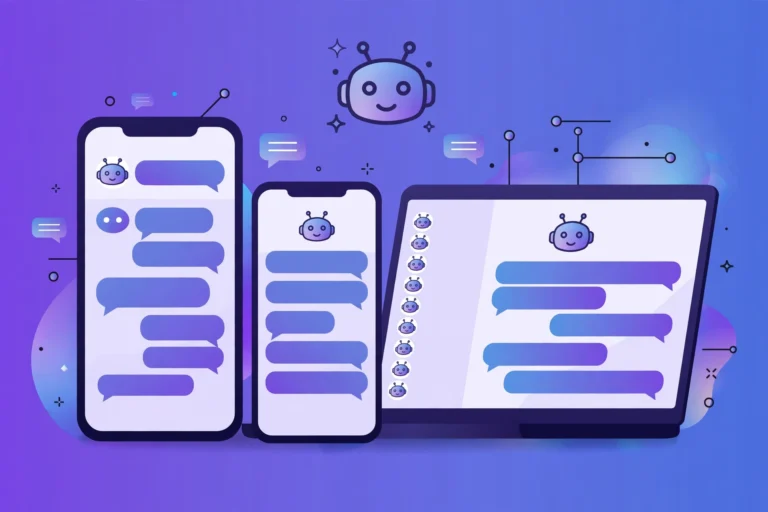
Chat-based assistants let you ask questions in natural language — explain this function, or find the bug in this file — which is especially useful when you are working with unfamiliar code.
Some tools also help with refactoring, writing tests, and documenting code — all reducing the routine parts of programming so the developer can focus on design and problem-solving.
Code Completion and Boilerplate
One of the clearest benefits is speed on routine work. A large part of programming is boilerplate — setting up a new file, writing a standard API endpoint, creating a form with validation — tasks developers have done many times before, and AI handles them well.
Instead of typing out the same patterns again, a developer can accept a suggestion and move on to the part of the problem that actually needs thought. For experienced developers, this is a genuine time saver. For beginners, it can be a mixed blessing: the code gets written faster, but the beginner may not understand what was written — and code you do not understand is code you cannot debug later. A good habit is to read every AI suggestion before accepting it.
Debugging and Understanding Errors
Debugging is where many developers say AI helps them most. Error messages can be cryptic, and a bug can hide in a file you have not looked at in weeks. Pasting an error and the relevant code into an AI assistant often produces a clear explanation and a suggested fix.
This works well for common errors — a missing import, a type mismatch, a wrong variable name. It is less reliable for subtle logic bugs, where the code runs but produces the wrong result. In those cases the AI may confidently suggest a fix that does not actually solve the problem, so you still need to test the result yourself.
AI is also useful for reading code written by someone else. Asking it to explain a complex function in plain language can save a lot of time when you join a new project or return to old code. Treat the explanation as a starting point, and verify it against the code itself.
Learning to Code With AI
For beginners, AI can act like a patient tutor that is always available. You can ask it to explain a concept, show an example, or walk through a piece of code step by step. This is a real advantage over searching forums and waiting for an answer.
But there is a trap. If you rely on AI to write everything, you never build the skill of writing code yourself. Programming is learned by doing — by making mistakes, fixing them, and understanding why the fix works. An AI that always hands you the answer can short-circuit that learning.
A practical approach is to use AI as a tutor, not a shortcut. Try writing the code yourself first. When you get stuck, ask the AI for a hint rather than the full solution. When it does write code for you, ask it to explain how it works, then rewrite it in your own words.
Where AI Coding Falls Short
AI coding tools have real limits, and knowing them helps you use the tools wisely.
First, AI does not truly understand your project. It works from patterns in its training data and the context you give it. It does not know your business rules or why a particular design decision was made, so its suggestions can look correct while being wrong for your specific situation.
Second, AI can produce code that looks confident but contains subtle bugs or security problems. It may use an outdated library, ignore an edge case, or handle user input in an unsafe way. Code that comes from AI needs the same review and testing as code written by a person — arguably more, because it is easy to trust it too quickly.
Third, AI is weaker on large, complex systems. It is good at single functions and small files, but it struggles to keep track of a whole codebase and how its parts interact. Architecture decisions — how to structure an application, how services should communicate, how data should flow — still belong to human developers.
Best Practices for Using AI in Coding
Used well, AI is a strong addition to a developer’s workflow. A few habits make the difference:
Be specific in your prompts. “Write a function” is vague; “write a Python function that takes a list of dates and returns the most recent one, handling empty lists” is much better. The clearer the request, the better the result.
Review everything. Never paste AI-generated code into a project without reading it, testing it, and checking the edge cases.
Keep the AI in the loop on context, but keep control of the design. Let it help with implementation details while you decide the structure and the approach.
Use it to automate the boring parts. If you find yourself doing the same task repeatedly — writing similar tests or updating documentation — that is a good place to let AI help. It is the same idea behind workflow automation: spend less time on repetitive work and more on the work that matters.
How Beginners Can Start
If you are new to programming, the setup is simple. Most major code editors have a built-in AI assistant or an extension you can install in minutes, and many offer a free plan that is enough to learn with.
Start with a small project, not a big idea. Build a simple to-do app, a calculator, or a small website. Use the AI to explain concepts as you go, and to suggest code when you are stuck — but always try first on your own.
Learn the fundamentals alongside the tool — variables, loops, functions, and how data flows through a program. AI can help you practise them, but it cannot learn them for you.
The Bottom Line
If you are a beginner, start small, learn the fundamentals, and use AI as a tutor and a helper. If you are experienced, use it to clear away the repetitive work so you can focus on design and problem-solving. Either way, keep reviewing the code, keep testing it, and keep learning. The tool is powerful, but the understanding still has to be yours.