Is Gemini Free? Plans, Limits and What You Actually Get
If you have ever wondered “is gemini free”, the short answer is yes. Anyone with a Google account can open Gemini on the web or in the app and start chatting without paying anything. But that simple answer hides a more useful question: what do you actually get for free, where does it stop, and when is it worth paying for one of Google’s plans? Google has changed the names and prices of its plans more than once, so it is worth looking at the current setup before you decide.
What You Get on the Free Plan
The free version of Gemini is a genuine, usable AI assistant, not just a demo. You can ask questions, get help writing emails and documents, brainstorm ideas, summarise text, and work through everyday problems. It runs on Google’s lighter Flash-Lite model, which is fast and fine for most day-to-day tasks.
The free plan also includes more than many people expect. Image generation and editing are included, so you can create pictures from a description or ask Gemini to change an image you upload. You also get Deep Research, which can work through a longer question and bring back a sourced report, Gemini Live for voice conversations, and Canvas for drafting and coding in a side panel. You also get the standard 15 GB of Google storage that comes with a free Google account, shared across Gmail, Drive and Photos.
For occasional use — a few questions a day, help with a letter, a quick image — the free plan covers a lot of ground, with no card, trial or subscription needed.
The Limits of the Free Plan
The catch, as with most free AI tools, is usage. Google does not publish a fixed number of messages per day for Gemini. Instead, usage is measured by computing power: how complex your prompts are, which model and features you use, and how long your chats run. Your allowance refreshes every five hours until you reach a weekly limit, and Google says limits can change without notice, including when capacity is tight.
In practice, that means heavy users will hit a wall. Long Deep Research reports and video generation cost more of your allowance than a short chat. Free users may also find Deep Research unavailable at busy times, and their limits can be reduced first when Google’s systems are under strain.
There is also a limit on how much Gemini can read at once. On the free plan, the context window is 32,000 tokens — enough for a short document or a long chat, but not for a whole book or a very large set of files. If you regularly work with long reports or large codebases, that limit will matter more than the number of messages.
None of this makes the free plan a bad deal — it is designed for everyday use, not all-day professional work. Hit the limit once in a while and waiting for a refresh is fine; hit it daily and it is time to look at a paid plan.
The Paid Plans: AI Plus, AI Pro and AI Ultra
Google now sells paid Gemini access under the name Google AI, in three tiers. Prices below are US monthly prices from Google’s subscriptions page in November 2026 and vary by country — check your own region before paying.
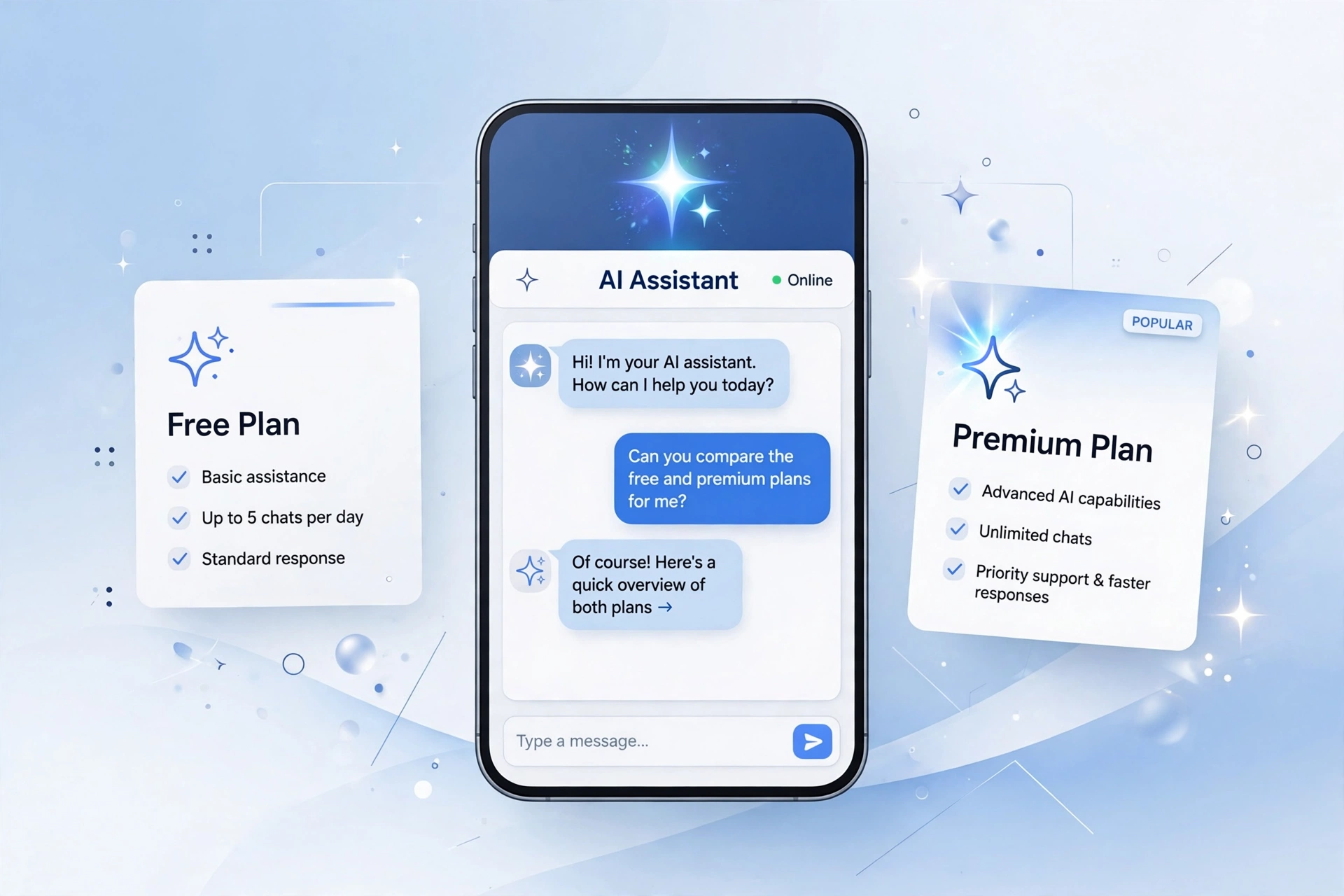
Google AI Plus — $4.99 a month. This is the budget paid tier. It roughly doubles the free plan’s usage allowance, moves you up to the Flash model, and raises the context window to 128,000 tokens. It adds video generation, 200 Google Flow credits a month, Gemini in Gmail and Vids, and 400 GB of Google storage. It is a sensible step up if you use Gemini every day but do not need the most powerful model.
Google AI Pro — $19.99 a month. This is the plan most regular users will consider, and it is the direct successor to what used to be sold as Gemini Advanced — that name was retired in 2025, and its features moved into Google AI Pro. Pro gives you about four times the free usage allowance, access to the flagship Gemini 4 Argon model alongside the Pro and Flash models, and a 1-million-token context window, which Google says can handle around 1,500 pages of text. You also get 1,000 Flow credits a month, 5 TB of storage, Gemini in Gmail, Docs and Vids, and extras such as YouTube Premium Lite. Eligible US college students have been offered a year of AI Pro free, with a redemption deadline of 31 December 2026, so students should check whether that offer still applies to them.
Google AI Ultra — $99.99 or $199.99 a month. Ultra is for heavy professional use. The lower tier gives about five times the Pro usage allowance and the higher tier about twenty times, with storage from 20 TB, far more Flow credits, and extras such as Project Genie and a full YouTube Premium plan. The most advanced model access, including Gemini 4 Carbon, sits in this tier.
In short: free is for trying things out and everyday help, Plus is for regular users who want fewer limits, Pro is for people who work with AI daily or with long documents, and Ultra is for professionals with very heavy workloads.
Gemini Advanced: What Happened to the Name?
Gemini Advanced launched in February 2024 alongside the renaming of Bard to Gemini, sold inside the Google One AI Premium plan for $19.99 a month. In May 2025, Google retired the Gemini Advanced name and moved its features into Google AI Pro, which still costs $19.99 a month in the US. So if someone tells you to buy Gemini Advanced, what they mean today is Google AI Pro.
Should You Pay for Gemini?
For most people, the honest answer is to start free and only upgrade when you have a concrete reason. Try the free plan for a week or two of normal use: if you rarely see a limit message, you do not need to pay. If you keep running out of allowance, or you regularly need to work with long documents, the $4.99 Plus plan is a cheap fix. Move to Pro when you need the strongest model, the 1-million-token context window, or the extra storage and Google app integrations.
It is also worth comparing Gemini with the other free AI tools before paying. The free tier of most AI assistants now covers similar everyday tasks, and the differences matter less than whether the tool fits how you work. If you want a broader look at the options, our roundup of free AI tools is a good starting point, and if you are comparing Gemini with ChatGPT-style assistants, see our guide to AI tools like ChatGPT.
The Bottom Line
Yes, Gemini is free — free to use with a Google account, with a useful set of features and a fair amount of usage included. The paid plans do not unlock a different product; they raise how much you can do before hitting a limit, how long a document Gemini can read at once, and how much Google storage comes with it. For casual and everyday use, the free plan is genuinely enough. Pay only when your own usage tells you to, and let the free tier prove its value first.